TLDR
- PrintMTG.com is best for players who want a simple way to print MTG proxy cards from a decklist, custom card design or precon-style list.
- The ordering flow is one of the stronger parts of the site. You can paste a list, choose versions and review pricing before checkout.
- As of June 2026, PrintMTG lists no minimum order quantity, quantity-based price breaks and free shipping on orders over $75.
- The best fit is Commander decks, Cube, playtesting and casual table use where clean, readable cards matter more than collecting original printings.
- My main caution is to review your decklist carefully before ordering, especially card versions, quantities, custom art and shipping details.
A good proxy order should not feel like a side quest. You should be able to paste a decklist, pick the card versions you want, see the price clearly and get cards that feel normal once sleeved. That is the lens I used for this PrintMTG review.
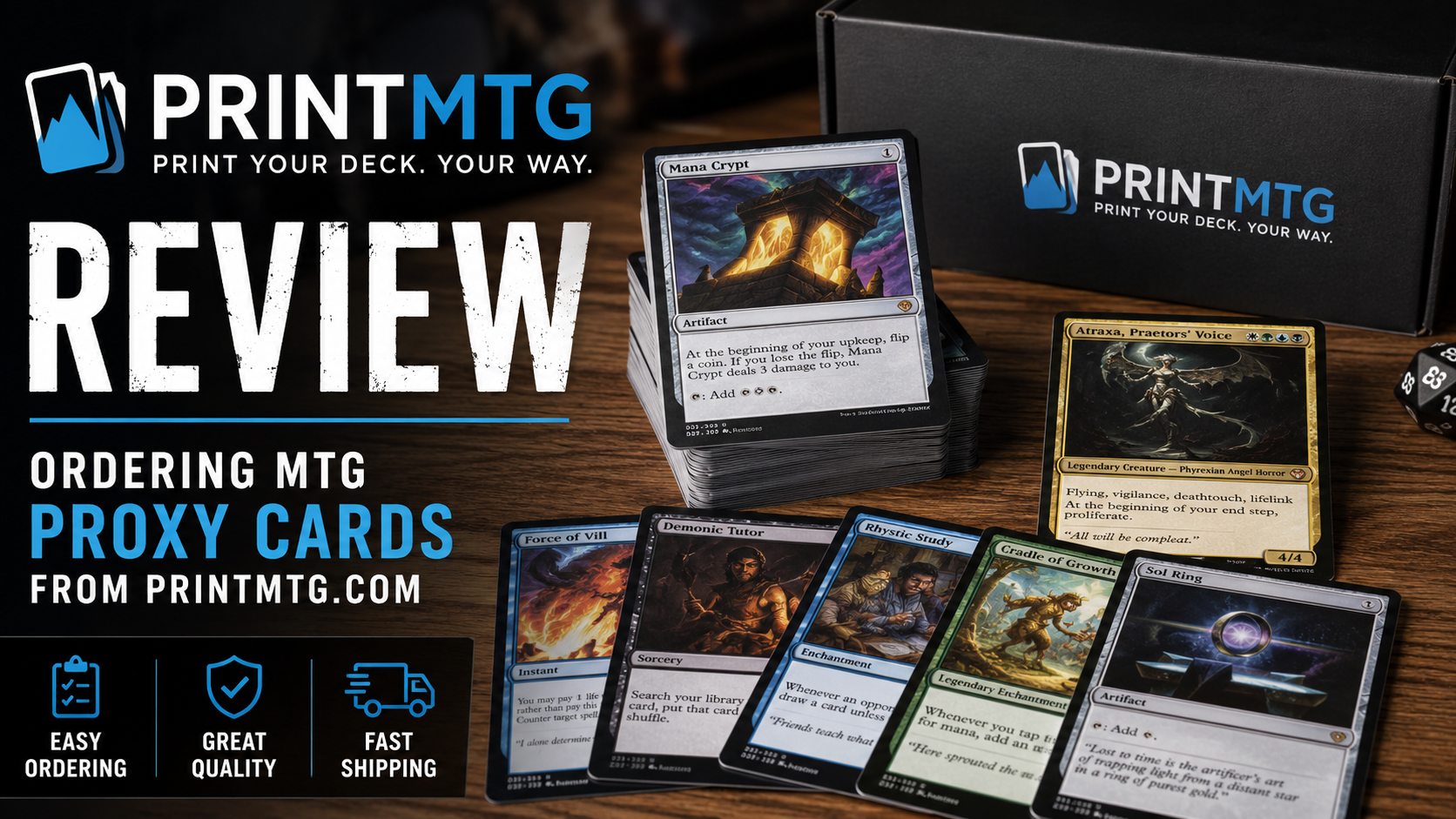
PrintMTG.com is built around print-on-demand MTG proxy cards. The site lets you upload or paste a decklist, search for cards, browse sets, start from Commander precon lists or use an MTG Card Maker for custom designs. That gives it a pretty clear job: take a deck idea and turn it into a physical stack of proxy cards without making you manually build a print sheet.
My short verdict: PrintMTG is a strong option if you want a clean, fast ordering experience for MTG proxies. It is especially useful for Commander players, Cube owners and anyone who likes testing decks before committing money to real singles. It is not the cheapest possible DIY method, and it is still worth checking your order closely, but the overall process is straightforward.
What PrintMTG Is Best At
PrintMTG is best at reducing friction. That matters more than people think.
A lot of proxy workflows sound easy until you actually try them. You find card images, resize them, lay them out, print them, cut them, sleeve them and then realize half the cards look slightly off. DIY proxies can be fine for quick testing, but they are not always fun to handle. They also take time.
PrintMTG’s main appeal is that it turns proxy printing into a regular online order. You can start with a decklist, choose the versions you want and let the service handle the printing and shipping. For MTG players, that is useful because decklists are already how most of us think. You are not designing a product from scratch. You are building a stack of cards.
The site is also useful for players who care about specific printings. Maybe you want an old-border Lotus Petal look, a Secret Lair-style version or a specific Commander card treatment. PrintMTG lets you choose card versions instead of treating every card name as one generic image. That is a big quality-of-life feature for players who care about how the deck looks on the table.
The other good fit is custom MTG cards. PrintMTG has a card maker that lets you edit card details, upload artwork and preview a design before ordering. I would treat that as a bonus feature rather than the main reason to order, but it is a nice option for custom tokens, house-rule cards, cube cards, joke cards or themed Commander projects.
PrintMTG Review: The Ordering Process
The ordering process is the best part of PrintMTG.
The basic flow is simple:
- Start an order.
- Upload or paste your decklist.
- Pick the card versions and quantities.
- Review the order.
- Check out and wait for printing and shipping.
That sounds obvious, but obvious is good here. Proxy sites can get clunky fast. PrintMTG keeps the main task close to the surface. You do not need to hunt through a maze of product categories just to begin.
For a Commander deck, the decklist upload is the main feature I would use. Paste the list, review the matches and make sure each card is correct. This is where I would slow down. If a card has multiple versions, alternate frames or special treatments, double-check the exact printing before you order. A fast checkout is helpful, but a wrong card version is still a wrong card version.
The precon tool is also interesting. PrintMTG lets you start from Commander precon deck lists, then adjust the list from there. That is useful if you want to test an upgraded precon before buying singles, or if you want a clean proxy version of a deck that gets passed around at game night.
The custom card maker is more involved. That is expected. Uploading a decklist is mostly data entry. Designing a custom card means checking art placement, rules text, mana symbols, frames and spacing. The live preview helps, but you should still proofread custom cards carefully. Typos on a proxy are annoying. Typos on a full custom card are even more annoying because you know you had one job.
Pricing, Card Stock and Shipping Expectations
As of June 2026, PrintMTG lists quantity-based pricing on its homepage. The published price tiers start at $2.00 per card for very small orders and drop as the order quantity increases. At larger volumes, the listed per-card price gets much lower. That means PrintMTG makes the most sense when you are ordering a full Commander deck, a batch of upgrades, a Cube package or multiple decks at once.
The site also lists no minimum order quantity. That is helpful if you only need a few playtest cards or replacement proxies for a deck. But from a value standpoint, small orders are not where PrintMTG looks strongest. The price breaks matter. A one-card order is convenient. A 100-card order is usually the better use case.
PrintMTG describes its cards as printed on S33 German black-core playing-card stock with a smooth finish and standard TCG sizing. In plain English, the goal is for the cards to feel good in sleeves and shuffle like a normal deck. That is what matters for most proxy use. You want the cards to be readable, consistent and not distracting during play.
Shipping is also fairly clearly explained. PrintMTG states that most orders are produced in about two business days, with standard U.S. orders typically arriving in roughly five to nine business days total when production and transit are combined. Expedited shipping options may be available at checkout. If you need cards for a specific event, I would not cut it close. Order early or contact support before placing the order.
One useful policy detail: PrintMTG says if it makes a mistake with printing, finishing, cutting, packaging or shipping, it will reprint the order at its cost. That is the kind of policy I like to see on custom print products because custom orders are not usually “changed my mind” return-friendly.
Card Quality: What Looks Good And What To Watch
Based on PrintMTG’s own product details and the third-party review I found from Draftsim, the finished cards appear to land in the “good table proxy” category. The goal is not to create collectible originals. The goal is to create clean, readable proxy cards that look good in sleeves and feel consistent while playing.
Draftsim’s hands-on review was generally positive. The reviewer said ordering was easy, the card art met expectations, delivery was timely and the card backs had a subtle difference. That last point matters. Proxy cards should be identifiable as proxies and not positioned as real Magic cards.
The main critique in that review was packaging-related. The reviewer noted minor corner bending and light wear, likely from the cards being packed tightly in a toploader. The issue did not sound severe, but it is worth mentioning because card players notice corners. We always notice corners. We pretend we are above it, then immediately inspect corners.
I would read that as a practical caution, not a deal-breaker. If you want near-mint collectibles, proxy printing is not really the category you are shopping in. If you want clean, sleeve-ready cards for Commander, Cube or playtesting, PrintMTG seems like a good fit.
The public review picture is positive but still limited. Trustpilot shows a small number of reviews for printmtg.com, so I would not treat that score as a huge data set. It is a helpful signal, not a final answer by itself. The stronger evidence is the site’s clear ordering flow, published policies, public pricing and hands-on review coverage.
Who Should Order From PrintMTG?
PrintMTG makes the most sense for players who want convenience.
Order from PrintMTG if you want to:
- Print a full Commander proxy deck.
- Test expensive cards before buying real copies.
- Build a Cube without spending months tracking down cards.
- Make casual playtest cards that look cleaner than paper slips.
- Create custom MTG-style cards, tokens or themed cards.
- Order in enough quantity to benefit from price breaks.
I would be more cautious if you only need one or two cards and do not care how they look. In that case, a home printer and a basic paper proxy might be enough. It will not feel as nice, but it is cheap and fast.
I would also be cautious if your order depends on very specific custom art placement, exact card versions or unusual card types. That does not mean you should avoid PrintMTG. It means you should spend more time reviewing the order before checkout.
The best PrintMTG order is probably something like this: a 100-card Commander deck, a 50-card batch of Cube updates or a stack of playtest cards for a new brew. That is where the ordering flow, print quality and quantity discounts all line up.
My Verdict On Ordering From PrintMTG.com
I would recommend PrintMTG.com for players who want an easy, polished way to order MTG proxy cards without building everything manually.
The site’s biggest strength is the ordering experience. Paste a list, pick versions, review pricing and check out. That is exactly how proxy ordering should work. The pricing is clearer than many custom-print workflows, and the published production and shipping expectations are specific enough to help buyers plan.
The tradeoff is that you are paying for convenience. This will not beat the cost of printing paper proxies at home. But it should beat the hassle, and for many players that is the point.
My practical advice: use PrintMTG for deck-sized orders, not tiny one-off tests. Check every card version before checkout. Upload high-quality art for custom cards. Order early if you need the cards by a specific date. And sleeve the cards before play, because proxy cards are still printed game pieces and game night is not gentle.
FAQs
Is PrintMTG Good For Commander Decks?
Yes. Commander decks are one of the best use cases for PrintMTG because the decklist upload flow fits a 100-card format well. You can paste the list, choose versions and order the full stack together.
Can I Order Just A Few MTG Proxy Cards?
Yes. PrintMTG lists no minimum order quantity. That said, the pricing improves as order quantity increases, so larger orders are usually a better value.
Does PrintMTG Let You Make Custom MTG Cards?
Yes. PrintMTG has an MTG Card Maker that lets you upload artwork, edit card text, choose frames and preview the card before ordering prints. It is a good fit for custom tokens, playtest cards and personal projects.
How Long Does A PrintMTG Order Take?
PrintMTG states that most orders are produced in about two business days. Standard U.S. delivery is listed as roughly five to nine business days total, including production and transit. Expedited shipping may be available at checkout.
What Should I Check Before Ordering From PrintMTG?
Check card names, quantities, card versions, custom artwork, shipping address and the final price. If you are making custom cards, proofread every line of text before checkout.